What came back
One path of ink, 34 KB
Traced from a document scan, the drawing came back as two paths: the white paper and the black ink. Every line of the fox, from the outline to the small strokes in the fur, is part of the single ink path, in a 34 KB file.
Tracing follows the drawing as it is. Line weight, small wobbles and the places where strokes meet are kept, so the SVG still looks hand-drawn.
- Paths
- 2: paper and ink
- SVG size
- 34 KB
- From a plain photo
- Paper shading becomes many extra light shapes
Step by step
Getting a clean trace from a drawing
Go over pencil with ink
Pencil is faint and grainy. A fineliner or marker line traces far more cleanly.
Scan, do not photograph
Your phone's document scanner whitens the paper. A camera photo keeps its shading, which traces as extra shapes.
Crop to the drawing
Leave out the edges of the page, the spiral binding and anything else on the desk.
Remove the background when downloading
Turn on Remove background under Download options before saving. Enclosed white areas are kept as shapes; remove those pieces in your editor if they should be transparent too.
What it is good for
Where a traced sketch is useful
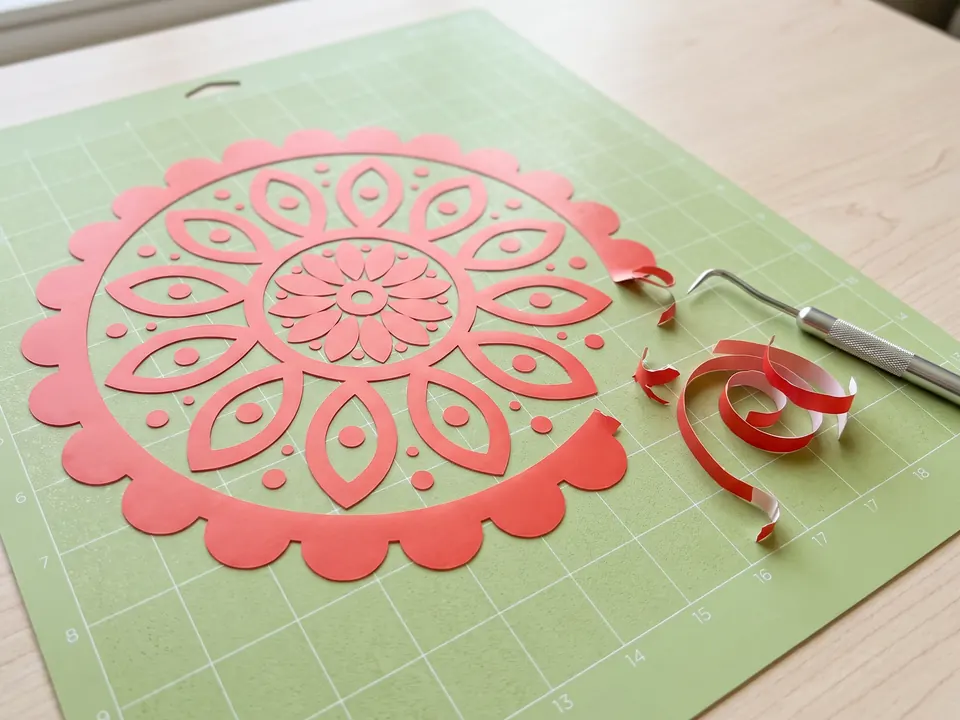
- Cut files for Cricut or Silhouette, after closing any gaps in the outline.
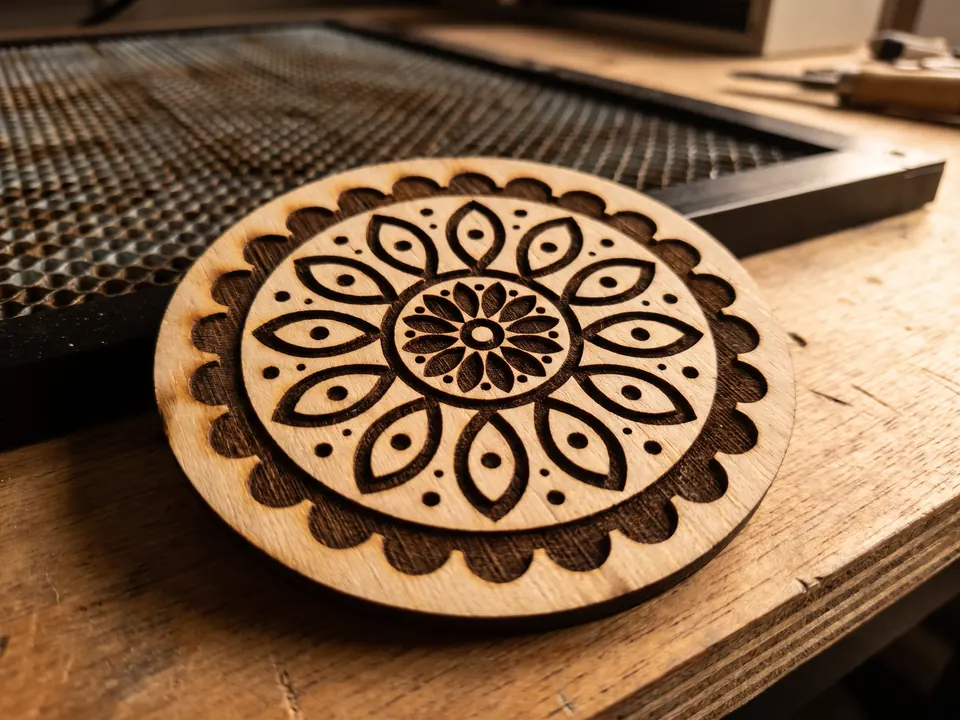
- Laser engraving, where the ink path becomes the engraved line.
- A starting point for coloring in Illustrator, Figma or Procreate.
- Stickers, prints and merchandise that need to stay sharp at any size.